


Mobile Ways To Use Oscarspin Casino

There are several common ways an online casino can provide mobile access, but users should verify which options the operator actually supports.
Oscarspin currently documents a mobile-responsive website and a PWA installed through the browser. Its Spanish-language website explains that the PWA creates a home-screen icon and provides faster access without requiring the user to open a normal browser tab manually each time.
| Mobile access format | How it works | Oscarspin status reviewed |
| Mobile website | Website opens directly in Safari, Chrome or another mobile browser | Documented |
| PWA | Website is installed or added to the home screen through the browser | Officially documented |
| Home-screen shortcut | Icon opens the relevant website or web app | Supported by modern browsers |
| Native iOS app | Separate package distributed through the App Store | Should be independently verified before claiming availability |
| Native Android app | Separate package distributed through Google Play or another official source | Should be independently verified before claiming availability |
| Third-party APK | Android installation file from an unrelated download website | Should not be treated as official |
Google describes web apps as websites that can function like applications and appear in a device launcher or on the home screen. Apple likewise supports turning websites into web apps from Safari on iPhone and iPad.
For Oscarspin specifically, that browser/PWA format is the mobile method that can currently be confirmed from the operator’s own site.
Where To Verify The Official Oscarspin App
The safest place to begin checking any Oscarspin app is the operator’s verified primary domain. An application should not be regarded as official merely because its title contains “Oscarspin”, its icon resembles the casino’s branding, or a search advertisement claims that it is the official download.
Before trusting an application source, check:
- Whether the main Oscarspin website directly links to the download or installation method.
- Whether the domain remains the expected Oscarspin domain throughout the process.
- Whether an app-store listing identifies a credible publisher or developer.
- Whether the developer information, Privacy Policy and support details correspond to the operator.
- Whether the application requests permissions appropriate for its purpose.
- Whether installation unexpectedly redirects through unrelated download domains.
Oscarspin’s current website directly explains its browser-based PWA installation process. On iOS, it instructs users to open the site, use the Share function and add it to the Home Screen. On Android, it describes opening the website in a mobile browser and selecting the relevant home-screen/install option.
Users should be particularly careful with search-store results carrying similar brand names. A name alone does not establish that an application is operated or endorsed by the same company as the casino.
Oscarspin App Download Safety Checklist

Before installing any mobile casino software, use a short verification routine.
| Security check | Safer sign | Warning sign |
| Domain | Installation begins from the verified operator domain | Redirect to an unrelated download site |
| HTTPS | Browser shows an encrypted HTTPS connection | Security warning or invalid certificate |
| Publisher | Publisher can be matched to official operator information | Unknown or unrelated developer |
| Installation type | Method is described by the official website | Unexplained APK download |
| Permissions | Requests are limited and understandable | Access to unrelated device functions |
| Privacy Policy | Available and linked to identifiable operator information | Missing or generic policy |
| Version/update source | Updates come through the same verified channel | Files sent through chats or pop-ups |
| Country availability | Terms permit the intended activity | Instructions suggest bypassing restrictions |
The practical checklist is:
- verify the exact domain character by character;
- confirm HTTPS before entering credentials;
- determine whether the product is a PWA or a native package;
- verify the developer if an app-store listing is involved;
- avoid APK repositories not linked by the official operator;
- review permissions before approving them;
- keep Android or iOS security protections enabled;
- reject instructions to disable security controls or geographical restrictions.
HTTPS is important, but it is not enough by itself. Phishing websites can also obtain certificates, so the domain, publisher and source must be checked together.
Using Oscarspin On Android
Oscarspin currently documents Android access through the mobile website and PWA installation process. Its official instructions tell Android users to open the website in a mobile browser, open the browser menu, choose the home-screen option and complete the installation prompt.
Google Chrome also officially supports installing web apps and creating website shortcuts on Android. This explains why a web-based Oscarspin installation can appear as an icon even though the underlying product is still associated with the website.
A safer Android approach is therefore:
- Start with the verified Oscarspin domain.
- Check the current Terms and geographical restrictions.
- Open the site in an updated browser.
- Use the browser’s built-in web-app or Add to Home Screen function.
- Avoid downloading a separate APK unless its authenticity can be established through an official Oscarspin source.
There is no need to disable Android’s security protections simply to create a browser-based PWA.
For people in Spain, the technical availability of this process does not remove the regional restriction. Oscarspin’s current Terms state that users from Spain may not deposit or play real-money games.
Using Oscarspin On iOS
Oscarspin’s current iPhone and iPad instructions also focus on its web-based application rather than requiring a conventional native installation. The operator tells users to open its website in a mobile browser, use the Share control and select Add to Home Screen.
Apple documents the same general capability in Safari. On iPhone, a website can be added to the Home Screen and configured to open as a web app. Apple provides equivalent functionality on iPad.
Users should distinguish this process from downloading an application from Apple’s App Store.
If a native App Store version is advertised in the future, users should check:
- the exact app name;
- the listed developer;
- regional App Store availability;
- age rating;
- Privacy Policy;
- developer website;
- the link between the listing and Oscarspin’s verified domain.
A store listing that merely uses a similar name is not enough.
For users physically located in Spain, an iPhone or iPad home-screen installation also does not change Oscarspin’s current Restricted Countries rules.
Mobile Login And Session Security
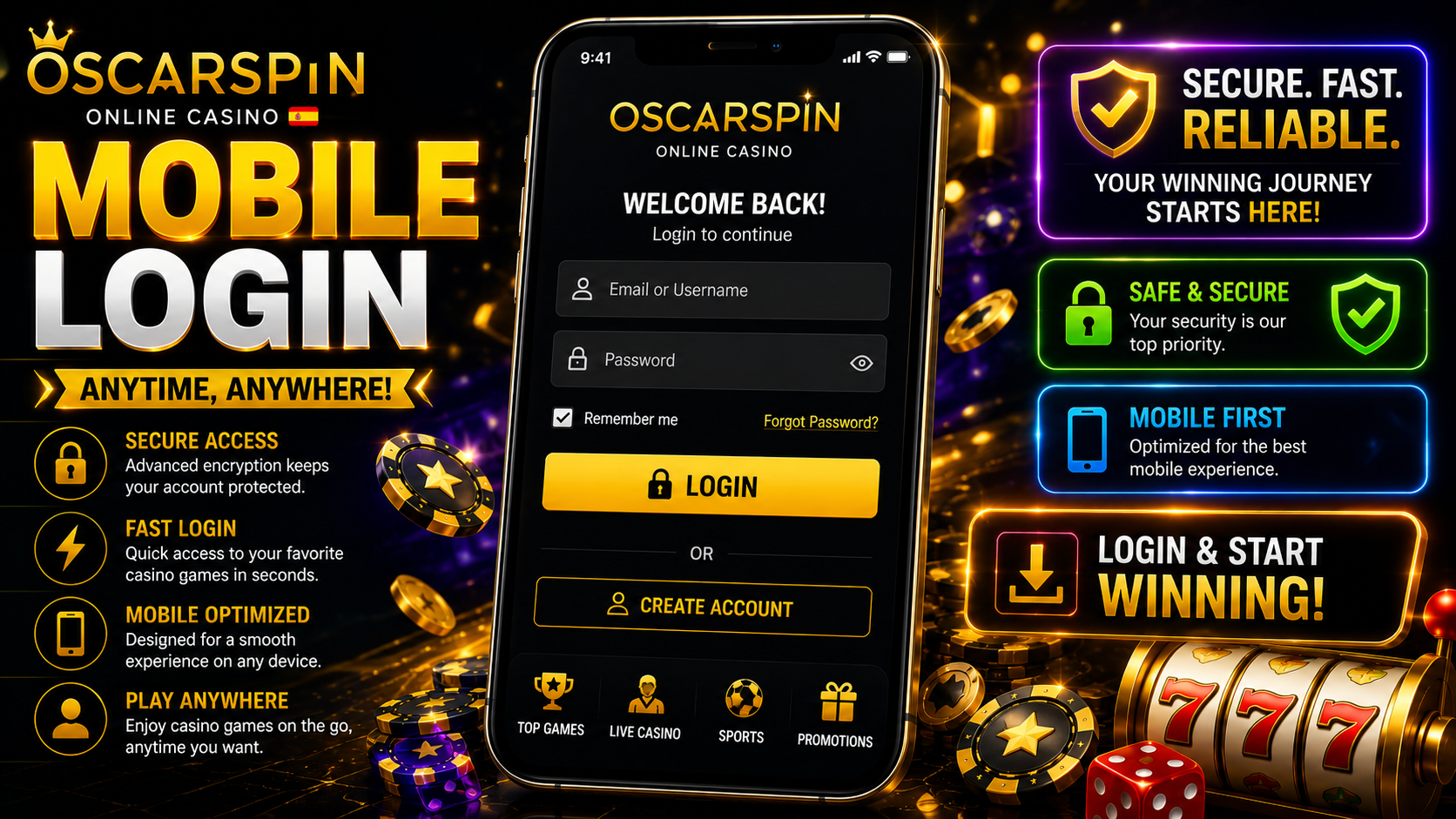
Mobile login should begin with the same domain verification used before installation.
Oscarspin’s website states that an existing user can select Log In and enter the credentials associated with the account. The site also recommends enabling two-factor authentication and explains that an enabled account requires a one-time code during login.
For safer mobile access:
- inspect the URL before entering the username or password;
- use a unique password rather than one reused on other services;
- consider a trusted password manager on a personal device;
- enable 2FA when it is available;
- do not share one-time authentication codes;
- avoid saving credentials on borrowed or public devices;
- sign out when another person may gain access to the phone;
- protect the device with a PIN, password or biometric lock.
Oscarspin’s Terms also state that users are responsible for keeping their account credentials confidential.
A password manager can provide an additional practical warning against phishing: if credentials normally associated with one domain do not appear on a seemingly identical login page, the address should be checked again before anything is typed manually.
Performance, Browser And Connection Requirements

Because the currently documented Oscarspin app is a PWA, performance depends partly on the browser and operating system rather than only on an independently installed native application.
Several technical factors can affect the experience:
- Internet connection. Casino pages and live content generally depend on a stable network connection. A web app may retain limited local functionality, but Google notes that some web apps do not work completely without internet access.
- Browser version. Keeping Safari, Chrome or another browser updated can improve compatibility and security.
- Operating-system updates. Current Android or iOS releases are more likely to include recent web-platform and security fixes.
- Available storage. PWAs are usually lightweight compared with large native applications, although browsers still use local storage and cache.
- Cookies and website data. Blocking required browser storage may interfere with authentication or session persistence.
- JavaScript. Interactive website components commonly depend on JavaScript; disabling it can prevent parts of modern web interfaces from functioning normally.
- Background restrictions. Aggressive battery-saving or data-saving settings can affect page loading or notifications.
Oscarspin itself describes its PWA as lightweight and says that it requires relatively little device memory.
The operator does not currently publish a stable minimum Android or iOS version on the reviewed mobile information that should be presented as a permanent system requirement. Compatibility claims should therefore be rechecked before publication rather than copied from an old review.
Mobile Account And Payment Protection
A smartphone often stores more sensitive information than a desktop browser: passwords, email accounts, authentication messages, payment cards, biometric credentials and personal documents can all be accessible from one device.
That makes device security particularly important.
Avoid entering casino credentials or payment information over an untrusted public Wi-Fi network when a safer connection is available. A malicious or incorrectly configured network can expose users to additional risks even when many modern websites use encrypted connections.
Oscarspin’s Terms state that the service uses SSL encryption for transaction security and treats customer data as confidential. Users still need to protect their own device and credentials, because encryption cannot prevent a password from being entered into a convincing phishing page.
Useful protections include:
- activating the phone’s screen lock;
- limiting information displayed in lock-screen notifications;
- avoiding permanent payment-card storage on shared devices;
- checking autofill suggestions before submitting forms;
- removing casino and payment information before selling a device;
- avoiding remote-access applications requested by unknown “support” agents;
- reviewing active sessions after losing a phone;
- changing credentials promptly if unauthorised access is suspected.
Users should never give another person their banking password, card PIN, cryptocurrency recovery phrase or complete email password in order to “verify” an Oscarspin installation.